Prompt-only AI writer
Can draft text, but forgets your audience, queue, and review standards between sessions.
Carries profile context into generated angles, drafts, human review, and scheduling.
TweetWizard is the all-in-one X content workflow for people who know they should post more consistently, but do not want ideation, drafting, review, and scheduling split across separate tools.
What the workflow keeps together
Start with free credits and no credit card. The first step is profile context, and you review each generated draft before anything reaches the queue.
Direct answer
An AI social media workflow for X connects profile setup, idea generation, drafting, review, scheduling, and publishing. TweetWizard keeps those steps together so your voice and audience context shape the ideas, selected angles become editable drafts, and only reviewed posts move into the queue.
Sources
References used for the AI-assisted workflow, X content-planning context, and review-first scheduling claims on this page.
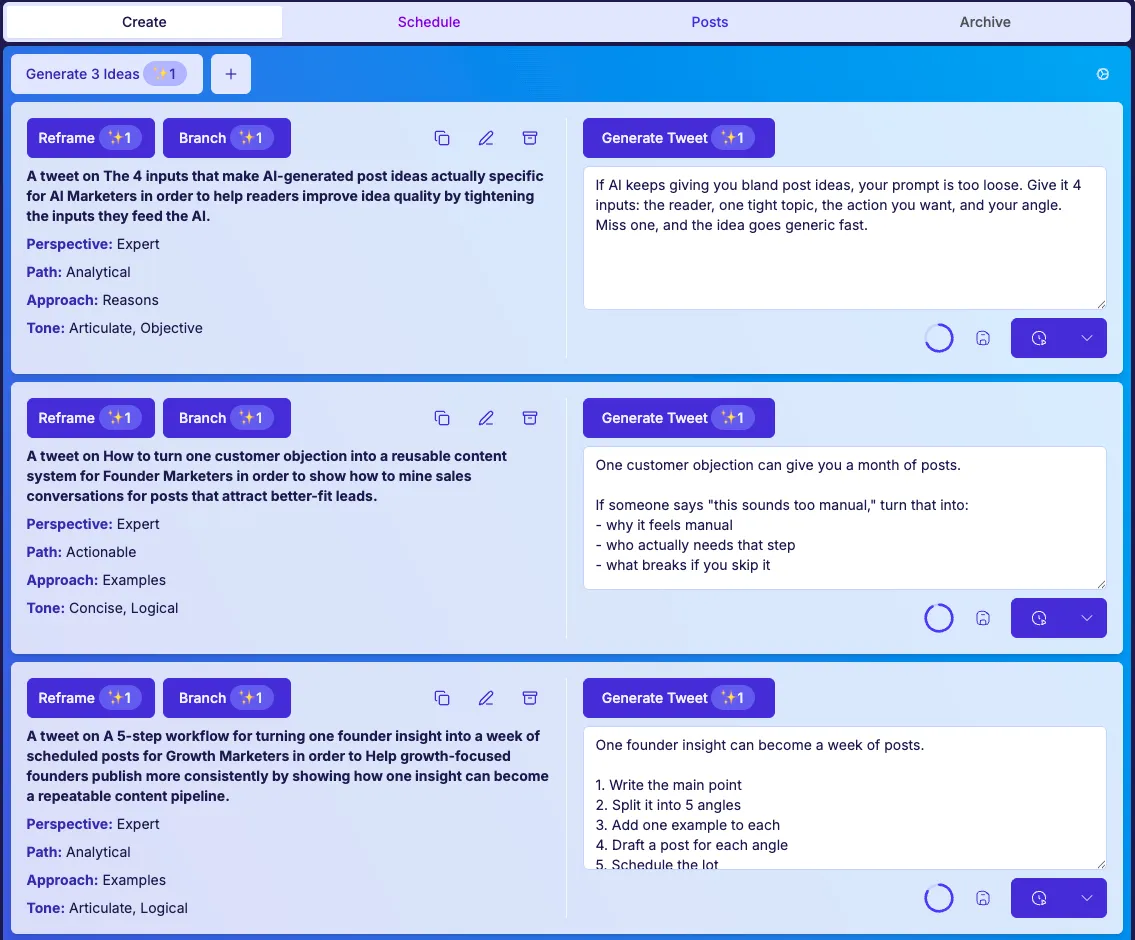
The useful part is not only that it can generate text. The useful part is that input context becomes generated angles and drafts, review stays explicit, and social media ideation and scheduling stop living in separate tabs.
TweetWizard works better when it knows who you are trying to sound like and who you are trying to reach. The all-in-one X content workflow starts with your voice, audience, and goals before it suggests a single angle.
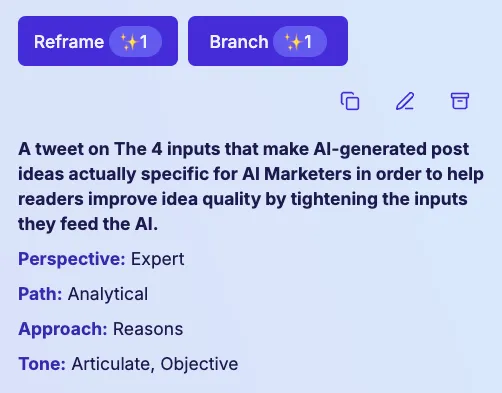
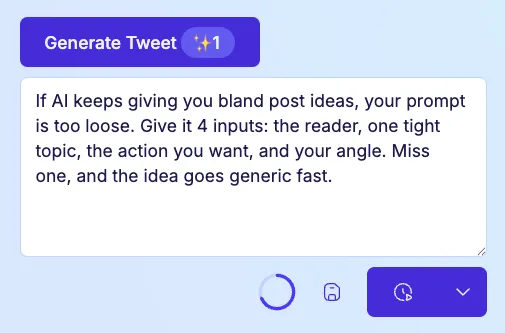
When you already have a worthwhile angle, drafting stops feeling like a restart. Use the same AI social media workflow to turn an idea into a tweet, tighten the copy, and keep editing until it sounds right.
A good draft is more useful when it lands in a real schedule. TweetWizard works as an AI social media scheduler for X, so future posts stay visible instead of depending on memory and spare time.

Prompt-only writing tools, calendar-first schedulers, and TweetWizard solve different parts of the work. This page is for the full loop.
Can draft text, but forgets your audience, queue, and review standards between sessions.
Carries profile context into generated angles, drafts, human review, and scheduling.
Shows empty slots after you have already done the hard thinking somewhere else.
Keeps social media ideation and scheduling in the same workflow so the queue starts with usable material.
Not an autopilot that publishes unreviewed AI copy.
An X content management tool for setup, ideas, drafts, review, scheduled queue, and publish-now decisions.
Complete profile setup, generate angles, review drafts, and decide what belongs in the scheduled queue.
A useful workflow still needs human judgment. TweetWizard speeds up the work before the queue, but you keep control of what gets revised, scheduled, or published.
You still decide which ideas are worth turning into posts.
You can rewrite or replace draft copy before anything goes live.
Publishing now and scheduling later stay separate choices.
The workflow is there to reduce friction, not flatten your voice.
Use this page for the whole content workflow. These lighter links help when you are comparing one part of the loop.
Quick answers for people comparing generators, schedulers, and full X content workflow software.
Create an account, connect your X profile, and test the loop from setup to ideas, drafts, review, scheduling, and publishing.
No credit card required. Free credits to explore. Cancel anytime.