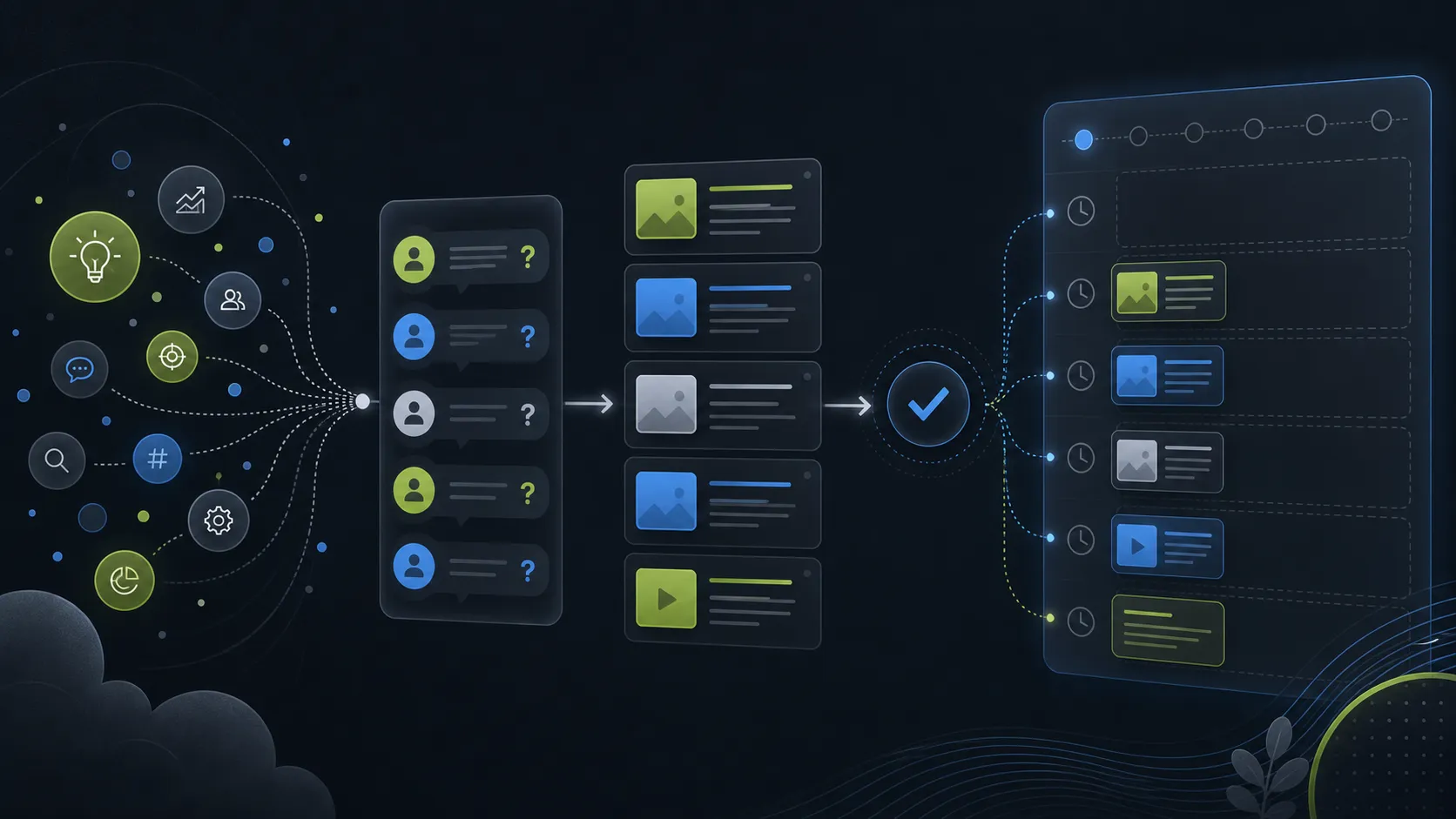
An empty scheduler is still an empty system
A tweet scheduler can keep you consistent only if there is something worth scheduling. Many creators open the calendar and realize the actual problem is upstream: they do not know what to post next.
That is why a tweet scheduler with ideas can be more useful than a calendar-only tool. The calendar handles timing. The idea workflow handles selection.
The best x scheduler for a solo creator should make the next useful post easier to find, draft, and approve.
The decision happens before the time slot
Start by separating topics from posts. A topic is broad: pricing, hiring, product lessons, customer objections. A post has a point: what you learned, what changed, what you recommend, or what you disagree with.
The scheduler should not force you to invent that point inside a tiny date cell. It should help move from raw topic to draft option before the post enters the queue.

Choose posts before scheduling them
Use this path when the queue is empty because the next idea is unclear.
Choose posts before scheduling them
Keep the process small enough to repeat every week.
- 1 Choose a topic source Pick product work, audience questions, saved notes, or recurring advice.
- 2 Generate angle options Create several possible points from the same source.
- 3 Select one useful claim Choose the draft that teaches or says something specific.
- 4 Edit for voice Make the post sound like the account, not a template.
- 5 Schedule with context Place the post where it fits the surrounding queue.
Find the real bottleneck
The fastest way to choose the wrong tool is to compare surface features before naming the real bottleneck. Use the decision table to decide whether the work needs more planning, stronger drafting, tighter review, or cleaner scheduling.
Decision guide
Use the table to keep the workflow honest before a post reaches the queue.
| Topic | Scheduling problem | Ideation problem | Drafting problem |
|---|---|---|---|
| Symptom | Posts are ready but unslotted | No strong topic or angle | Idea exists but wording is weak |
| Tool need | Queue and timing view | Idea prompts and branching | Editable AI draft options |
| Fix | Choose better slots | Create better post candidates | Revise before scheduling |
Use ideas to feed the queue
TweetWizard fits when the queue needs both supply and control. It can help turn topics into tweet ideas, generate draft options, and then move approved posts into the schedule.
That does not guarantee growth or decide strategy for you. It reduces the blank-queue problem so you can make better editorial choices.
FAQ
Why is my tweet scheduler always empty?
Usually because the idea workflow is missing. You need a way to turn raw topics into post angles before scheduling.
Should a scheduler generate tweet ideas?
It helps when the generated ideas are editable and connected to the queue.
What should I schedule first?
Schedule durable posts with a clear point, then leave room for live replies and timely observations.
More from this topic
Related TweetWizard guides
- Tweet Scheduling & Queue Management articles The topic cluster this article belongs to, with related TweetWizard guidance on the same publishing problem.
- Tweet scheduler The queue and scheduling workflow behind TweetWizard's article guidance on posting cadence and reviewed output.
- TweetWizard method How TweetWizard connects account context, idea generation, drafting, review, scheduling, and publishing.
Author
Waleed Salama
Founder, TweetWizard
Waleed Salama builds TweetWizard and writes about practical creator workflows for turning ideas into better X posts and sustainable publishing systems.